A booking page that looks like your business
Customers book at 10pm on a Sunday, on their phone, from wherever they found you. Bookingly gives you a booking page that works there: your logo, your colours, your wording, and only the times you can really take.
Start free All featuresIncluded on every plan, even the free one. Free for 100 new bookings a month.
Three ways to share it
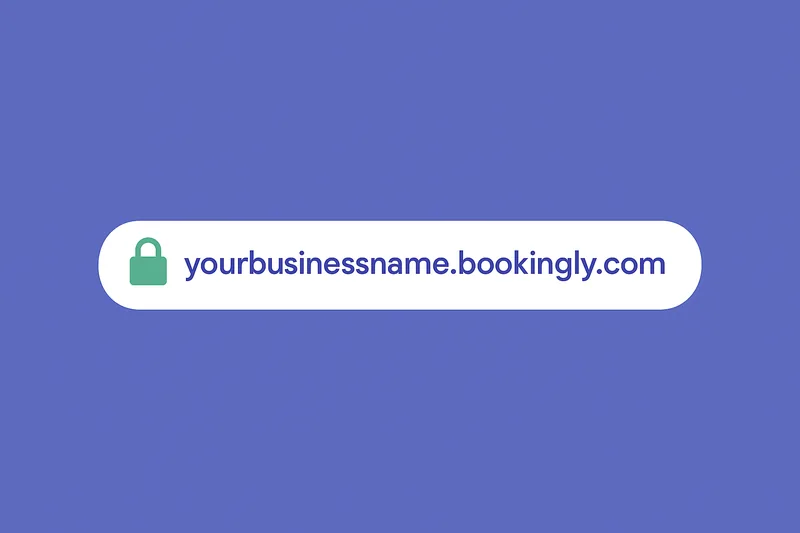
Every business gets its own address. How customers reach it is up to you, and you can use all three at once.
- A direct link for your Instagram bio, Google Business Profile, email signature or a QR code on the counter
- Embedded in a page of your own website, so customers book without leaving it
- A Book now button on your site that opens the booking page as a popup
Your look, your words
Choose a layout, your fonts, button colours and corner style, upload your logo and add a business icon for the browser tab. Write the welcome banner and the message customers see once they have booked. A live preview shows the page on a phone and on a computer before you save.
- Show or hide prices, durations and descriptions
- Let customers choose a staff member, or not
- Allow guest bookings, or ask customers to sign in first
- Add extra pages such as an FAQ, your cancellation policy or directions
Only times you can really take
The page reads your opening hours, each person's shifts, time off, closed dates and public holidays, and your booking rules: how much notice you need, how far ahead people can book and the gap between start times. After booking, customers can add the appointment to Google, Apple or Outlook calendar in one tap.
Set it up in minutes
- Switch on online bookings and choose your page's address.
- Pick a layout and set your colours, fonts, logo and welcome message.
- Set your booking rules: minimum notice, how far ahead and the time between start times.
- Share the link, embed it in your website or add a Book now popup button.
Popular with
Barbershops
Quick cuts, busy chairs and a booking page that works mid-fade.
Tattoo & piercing studios
Deposits, age checks and consent before the needle comes out.
Driving instructors
Lessons with travel time, packs of lessons and pickup details.
Consultants & coaches
Paid calls, discovery sessions and clients in other time zones.
Photographers
Sessions with deposits, studio time and a shoot brief.
Tennis
Courts, coaching blocks and weekly hitting partners.
Questions about online booking page
Can I put Bookingly on my existing website?
Yes. Embed the booking page in a page of your site, or add a button that opens it as a popup. There are step-by-step guides for WordPress, Wix, Squarespace, Shopify, Webflow, Weebly, Google Sites, Joomla and Unbounce.
Do customers need an account to book?
Not unless you want them to. You can allow guest bookings with just a name and contact details, or ask customers to sign in with an email code or Google first.
Does it work on phones?
Yes. The booking page is built for phones first, which is where most customers book.
Can I use my own domain name?
Your booking page lives at its own Bookingly address. Most businesses link to it from their own site or embed it, so customers stay on their domain.
Is the booking page included in the free plan?
Yes. Every plan includes the booking page and every feature. The free plan covers 100 new bookings a month.
Try it on your own business
Every feature is on every plan. Bookingly is free for 100 new bookings a month, then one flat price for unlimited bookings, however many staff you have.
Sign up for free